Python Automation for Business: 10 Practical Use Cases
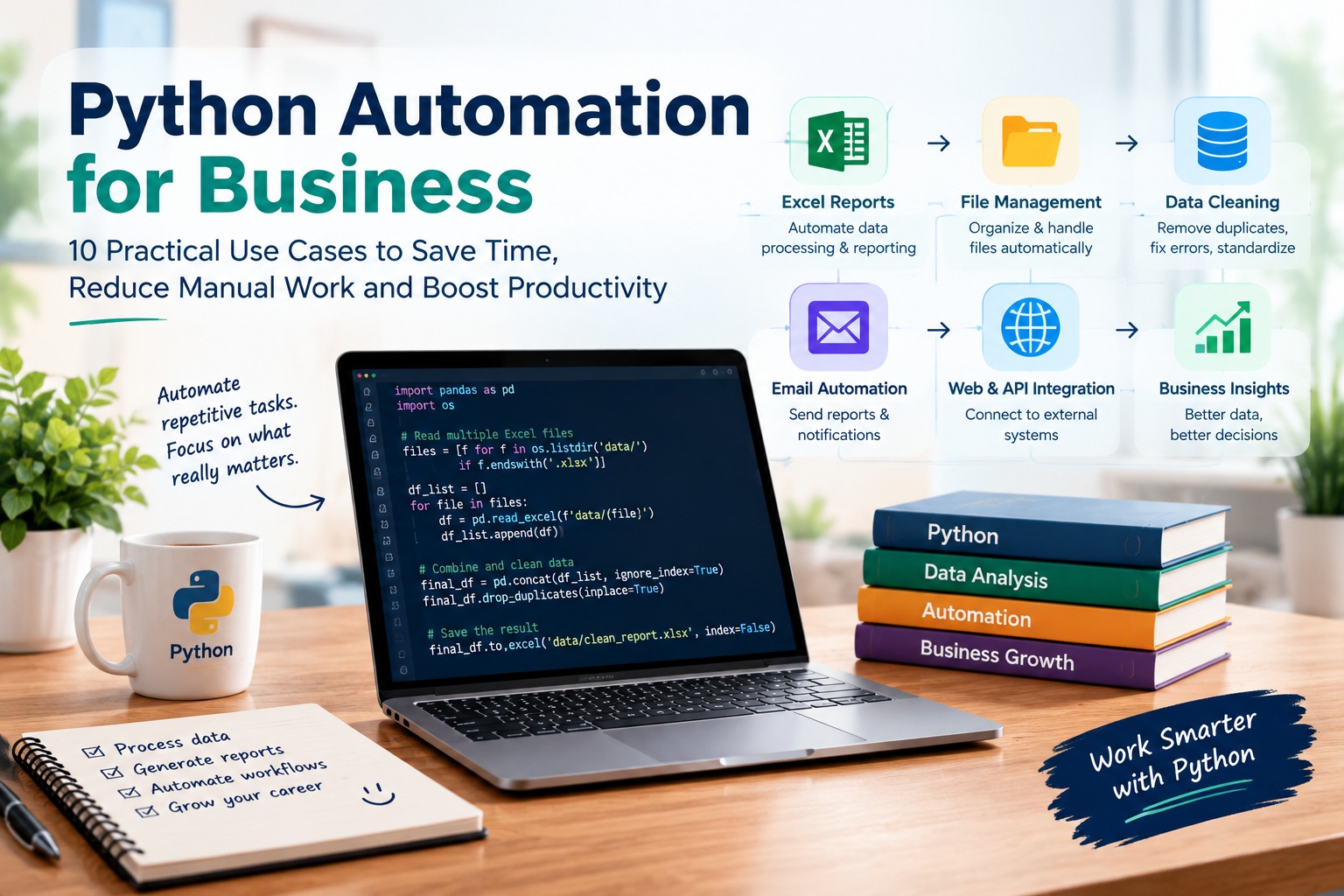
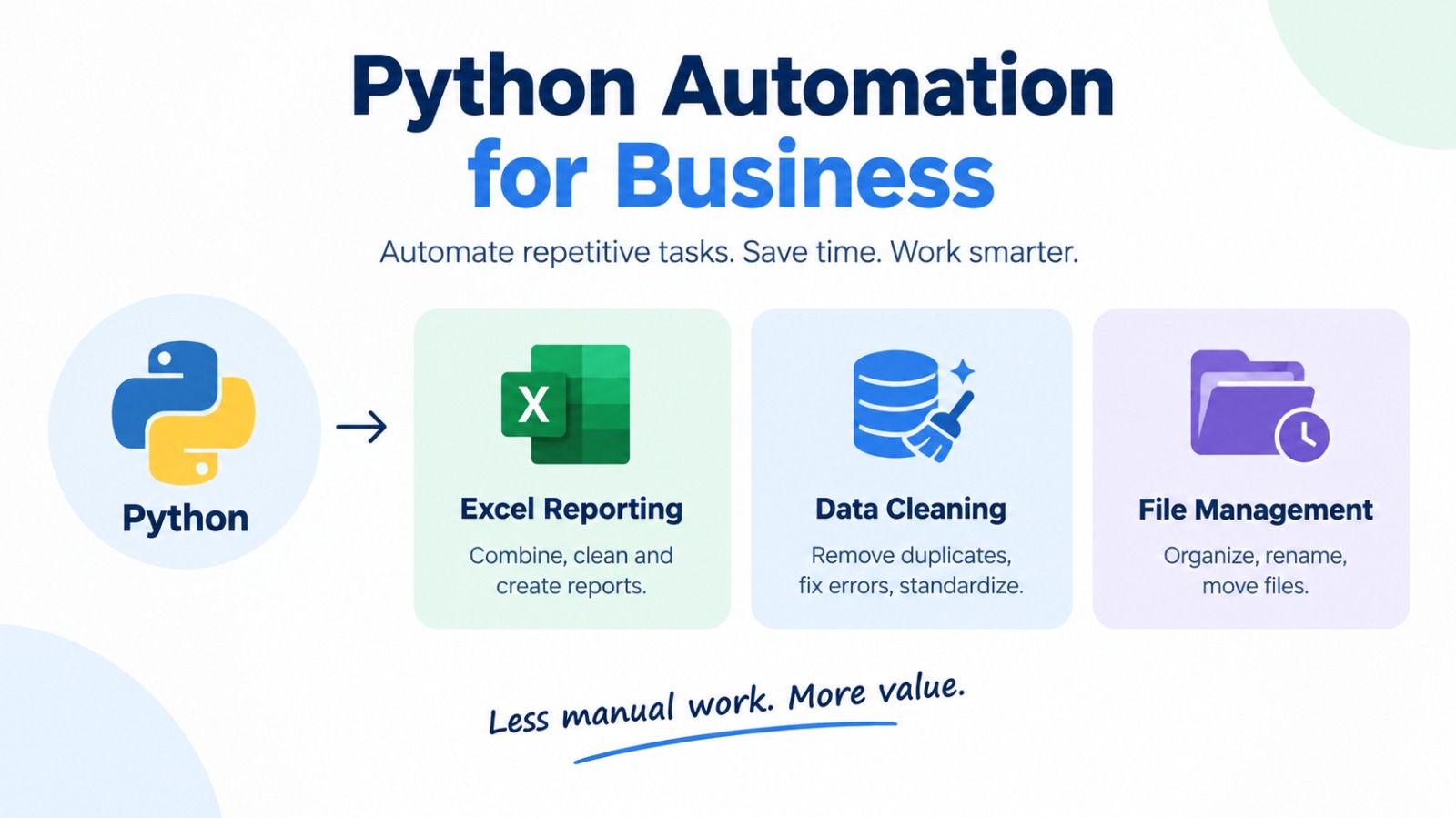
Python automation for business helps reduce repetitive work such as Excel reporting, file management, data cleaning, email processing and report generation. Businesses can use Python scripts and libraries to create repeatable workflows, improve consistency and free up time for higher-value tasks.
What Is Python Automation for Business?
Python automation for business means using Python scripts to perform repetitive, rule-based tasks with less manual effort. Instead of opening multiple files, copying data, cleaning spreadsheets or preparing the same report every week, you can write a script to handle defined steps automatically.
Python supports tasks such as file management, data processing, website interaction, API requests and report generation. Its libraries also make it useful for working with Excel files and structured datasets. GeeksforGeeks and Coursera cover these core automation applications.
For example, a sales analyst can use Python to combine monthly sales files, remove duplicate records, calculate regional totals and export the results to Excel.
The goal is not to automate every task. It is to identify repeated work that follows clear rules and build a process that can run consistently.
What Can You Automate with Python in a Business?
Python is useful when a task involves repeated steps, structured information or data moving between different systems.
| Business task | What Python can do | Potential benefit |
|---|---|---|
| Excel reporting | Combine files, clean data and create reports | Less repetitive spreadsheet work |
| File management | Rename, sort, copy and organize files | More consistent file handling |
| Data cleaning | Handle duplicates, missing values and formatting | More reliable datasets |
| Email processing | Prepare and send approved emails | Streamlined communication |
| Invoice processing | Extract and organize structured information | Faster document workflows |
| Website monitoring | Collect permitted public information | Repeatable monitoring |
| API integration | Exchange data between connected systems | Fewer manual transfers |
| Inventory tracking | Compare stock records and flag exceptions | Easier stock monitoring |
| Marketing reporting | Combine campaign metrics from available data sources | More consistent reporting |
| Scheduled reports | Run scripts at defined intervals | Repeatable reporting routines |
The exact level of automation depends on the source data, access permissions, business rules and the systems involved.
10 Practical Python Automation Examples for Business
1. Automate Excel Reports
Excel reporting is a practical starting point for business automation. Analysts often receive multiple spreadsheets, combine them, clean the data and prepare summaries for managers.
Python's Pandas library can read Excel and CSV files, transform tabular data and export results back to Excel. Its documentation explains these file-reading and writing capabilities. Source: Pandas documentation.
For example, a monthly sales-report workflow can:
- Read sales files from a folder.
- Combine records into one dataset.
- Remove duplicate entries using defined rules.
- Calculate sales by region or product.
- Export a cleaned report to Excel.
This is particularly useful when the report follows the same process every month.
2. Automate File and Folder Management
Businesses regularly handle invoices, employee records, sales exports, PDFs and other documents. Python can help organize files according to naming rules, file types or dates.
A simple automation might move all CSV files into a data folder or rename reports using a standard format.
This can help operations teams and analysts who work with large numbers of files. Always test file-moving or deletion scripts on sample data before running them on important business folders.
3. Clean Business Data Automatically
Poor-quality data can lead to incorrect reports and misleading conclusions. Common problems include duplicate records, inconsistent dates, missing values, extra spaces and different spellings of the same category.
Python (Python skills for data analysts) can apply defined cleaning rules across repeated datasets. For example, a script can standardize date formats, identify missing customer IDs and flag duplicate transactions for review.
Automation should not silently guess missing business information. Keep a record of changes and send uncertain records for manual review.
4. Generate and Distribute Email Reports
Python can support email automation for tasks such as sending approved reports, creating status notifications and distributing scheduled summaries.
A business workflow could generate a daily performance report and prepare an email for the relevant team. Depending on the setup, a script can send the message through an authorized email service or API.
Use approved recipients, secure authentication and appropriate checks before sending messages. Avoid automating unsolicited bulk emails or sharing confidential information with unauthorized people.
5. Extract Information from Documents
Some workflows require information from PDFs, spreadsheets or structured digital documents to be collected in one place.
Python can process suitable file formats using specialized libraries. The method depends on whether the document contains selectable text, tables, scanned images or a consistent template.
For example, a finance team may extract invoice numbers, dates and totals from supported documents. Scanned documents may require optical character recognition (OCR), and extracted values should be checked before they enter accounting or payment systems.
6. Automate Inventory and Stock Checks
Retailers, distributors and manufacturers can use Python to compare inventory records, identify low-stock items and flag differences between expected and recorded quantities.
A basic workflow might read stock levels from a CSV file, compare them with reorder thresholds and produce a list of items that need attention.
Python does not replace inventory management software. It can help connect data sources and automate specific checks when the required access and business rules are available.
7. Automate Marketing and SEO Reports
Marketing teams often collect data from analytics platforms, search tools, advertising accounts and spreadsheets. Python can help combine compatible exports or retrieve information through authorized APIs.
Possible applications include:
- Combining campaign performance files.
- Tracking keyword and landing-page changes.
- Identifying missing values in reports.
- Comparing traffic or conversion data across periods.
- Creating recurring summary files.
For SEO teams, automation can reduce repetitive reporting and help identify unusual changes. It should support analysis, not replace checks of data accuracy, search intent or business context.
8. Collect Data from Websites and APIs
Python can retrieve information from APIs and, where permitted, collect structured information from websites.
An API provides a defined way for applications to exchange data. Python can request the available information, process the response and save relevant fields for further analysis.
Browser automation tools such as Selenium are useful for certain website interactions, while libraries such as Requests and Beautiful Soup support common web-data tasks.
Always follow website terms, API conditions, privacy requirements, rate limits and access controls. A script should not bypass login restrictions or collect personal data without proper authorization.
9. Automate Customer and Sales Data Processing
Sales teams may receive customer enquiries, lead exports and transaction records from several sources. Python can standardize these records and prepare them for reporting or review.
For example, a script could combine lead files, standardize selected fields and flag incomplete records for the sales team.
Decisions such as lead qualification, customer communication and record deletion should follow approved business rules. Keep human review where the result affects customers or important business decisions.
10. Schedule Repetitive Business Workflows
A script is most useful when it can run reliably whenever a task is due. Depending on the operating system and infrastructure, businesses can schedule scripts using tools such as Windows Task Scheduler, cron or an approved workflow platform.
A scheduled workflow might collect source files, validate them, produce a report and notify the owner when the process finishes.
Include logging, error alerts, access controls and a clear process for recovering from failures. Scheduling a script does not guarantee that the source data or final output is correct.
Which Python Tools Are Useful for Business Automation?
The right tool depends on the task. You do not need to learn every Python library before starting.
| Tool or library | Common use |
|---|---|
| Pandas | Data cleaning, analysis and report preparation |
| openpyxl | Reading and editing Excel workbooks |
| pathlib | Working with file and folder paths |
| csv | Reading and writing CSV files |
| Requests | Making HTTP requests to APIs and websites |
| Beautiful Soup | Parsing HTML content |
| Selenium | Automating supported browser interactions |
| smtplib | Sending email through configured mail servers |
Start with the tools that solve your actual problem. For recurring spreadsheet work, Pandas and basic file handling may be enough. Browser or API automation requires additional knowledge of authentication, permissions and error handling.
How to Start Python Automation in 5 Steps
You can approach a first business automation project in a simple, structured way.
- Choose one repetitive task. Select a task that follows clear rules and occurs regularly.
- Map the current process. Document the input files, manual steps, business rules and expected output.
- Learn the required Python basics. Focus on variables, conditions, loops, functions, file handling and error handling.
- Build and test a small script. Use sample data first and compare its output with a manually checked result.
- Add safeguards before scheduling it. Include validation, logs, backups, permissions and failure alerts.
A good first project is combining several Excel files into one clean report. It teaches file handling, data processing and output generation without requiring a complex system.
Python Automation vs Manual Work: What Should You Choose?
| Situation | Practical approach |
|---|---|
| One small task performed occasionally | Manual work may be simpler |
| Same task repeated every week | Consider Python automation |
| Data comes from multiple files | Python may help combine and validate it |
| Process changes frequently | Review the rules before automating |
| High-risk financial or customer action | Add approval and human review |
| Task depends on a third-party platform | Check API access and terms first |
Automation is not always the best option. If a task takes only a few minutes and rarely occurs, building and maintaining a script may create more work than it removes.
Common Mistakes to Avoid in Business Automation
- Automating a broken process: Fix unclear steps before writing code.
- Skipping data validation: Check row counts, totals, missing fields and output formats.
- Hard-coding sensitive details: Store credentials securely and restrict access.
- Ignoring failures: Log errors and notify the person responsible.
- Running untested scripts on live data: Use copies and backups first.
- Assuming AI-generated code is correct: Review, test and understand the logic before use.
Reliable automation needs more than working code. It needs clear rules, safe access, testing and a plan for when something goes wrong.
Is Python Automation Useful for Business Professionals?
Yes. Python automation can be useful for data analysts, finance teams, sales professionals, marketing teams, operations staff and other employees who repeatedly process data or files.
You do not have to become a full-time software developer to benefit from it. Start with the tasks closest to your current role, then build skills as your projects become more complex.
For data-focused work, learning Python alongside Excel, SQL for Business course and Power BI can help you move from manual reporting toward repeatable analysis workflows.
Frequently Asked Questions
What is Python automation used for in business?
Python automation is used to streamline repetitive tasks such as Excel reporting, data cleaning, file organization, document processing, email workflows, API integration and scheduled reports.
Can Python automate Excel reports?
Yes. Python libraries such as Pandas can read, combine, clean, summarize and export spreadsheet data. The workflow should be tested against known results before it replaces a manual reporting process.
Is Python automation suitable for beginners?
Yes. Beginners can start with simple tasks such as renaming files or combining CSV files. Learn basic Python syntax, file handling, conditions, loops and error handling before moving to complex workflows.
Which Python library is best for business automation?
There is no single best library for every task. Pandas is useful for data processing, openpyxl for Excel workbooks, pathlib for file paths, Requests for APIs and Selenium for certain browser workflows.
Can Python automate repetitive office tasks?
Yes. Depending on the task and system access, Python can help organize files, process spreadsheets, generate reports, prepare emails and move data between connected systems.
Can Python automate business reporting?
Yes. Python can combine data from supported sources, apply calculations and generate repeatable outputs. Analysts should still verify the source data, business logic and final results.
Is Python better than Excel for business automation?
They solve different problems. Excel is convenient for interactive spreadsheet work and quick analysis, while Python is useful for repeatable workflows, complex data processing and connecting multiple systems. Many teams use both.
How long does it take to learn Python automation?
The timeline depends on your background, practice time and project complexity. A simple file-handling script is a reasonable beginner project; reliable business workflows require additional testing, error handling and security knowledge.
Does Python automation require coding?
Yes. Python automation involves writing or adapting code. AI tools can help generate and explain scripts, but you still need to test the code and verify that it follows the correct business rules.
Is Python automation useful for small businesses?
It can be, particularly when a small business repeatedly handles invoices, reports, inventory records or customer data. Start with a low-risk task and compare the effort required to build and maintain the script with the manual work it replaces.
Can Python automate tasks using APIs?
Yes. Python can send requests to supported APIs, process responses and pass data between connected systems. Access permissions, authentication, rate limits and the provider's terms must be respected.
What should I learn before Python automation?
Start with Python fundamentals, including variables, data types, conditions, loops, functions, file handling and error handling. Then learn the libraries that match your goal, such as Pandas for data analysis or Requests for APIs.
Final Thoughts
Is Python still worth learning in 2026? Python automation for business is most valuable when it solves a clear, recurring problem. Start small, validate the output and add safeguards before using a script in an important workflow.
If your goal is to automate reporting or work more confidently with business data, build your Python skills around practical projects. Explore TechnoExcel's Python for Data Analytics course to learn how Python supports data preparation, analysis and automation.
This topic is covered in the Python for Data Analytics course. Sessions are live, practical and taught with real business data — a natural next step if this article matches what you are working on.