Microsoft Power Platform Fundamentals: PL-900 Guide 2026
Microsoft Power Platform Fundamentals (PL-900) is a beginner-level certification covering Power Apps, Power Automate, Dataverse, Power Platform administration, and Copilot Studio. The exam blueprint was updated on July 24, 2026, so older PL-900 guides may not reflect the current exam.
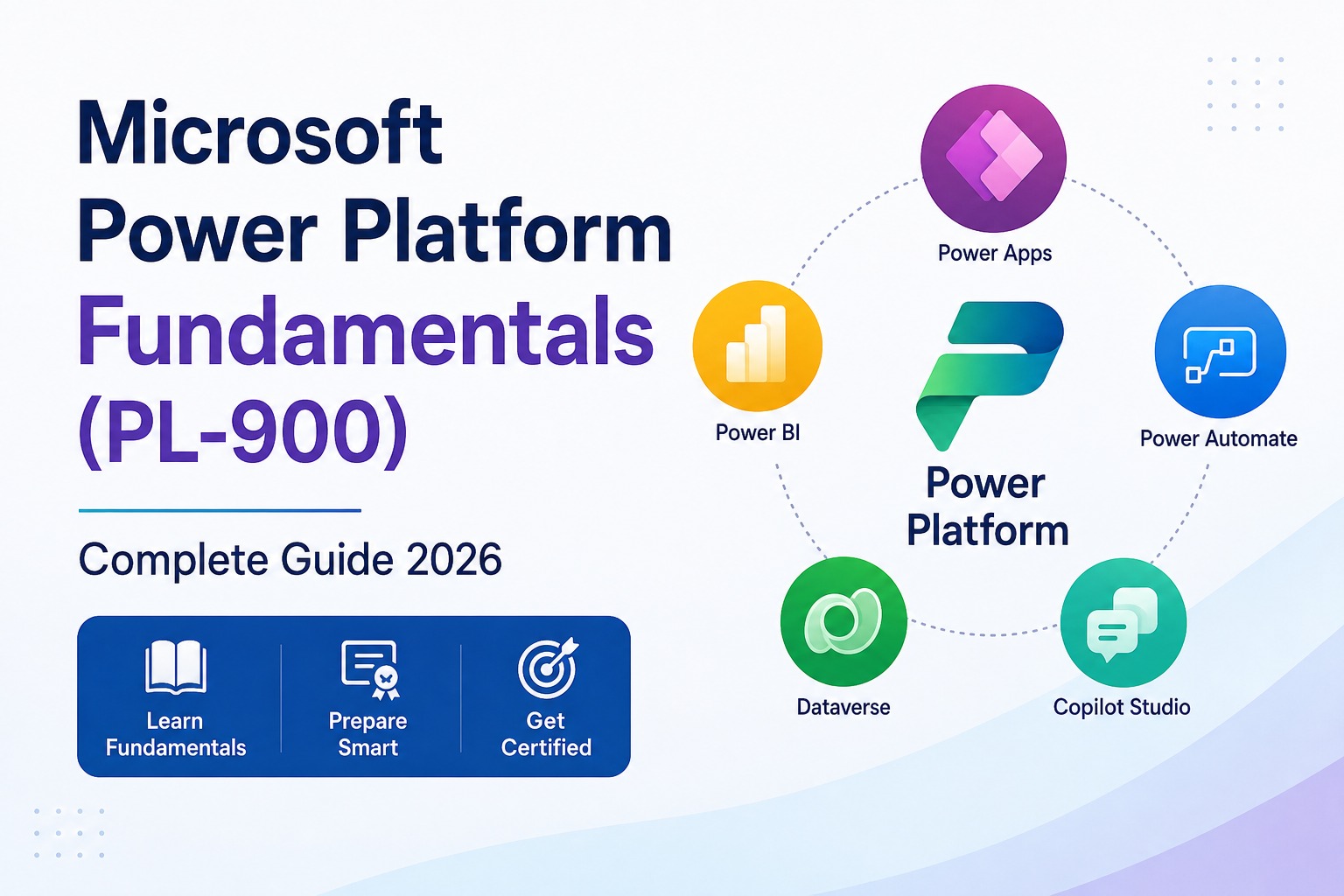
If you are planning to take the PL-900 certification in 2026, do not rely on an old study guide. Microsoft updated the English-language exam on July 24, 2026, adding Copilot Studio agents as a major exam area and changing the weight and scope of other domains.
So, what exactly should you learn? This guide explains the current exam structure, the role of each Power Platform product, and a practical way to prepare.
What is Microsoft Power Platform Fundamentals?
Microsoft Power Platform Fundamentals is a beginner-level certification for understanding Microsoft’s low-code ecosystem. It covers how organisations can build applications with Power Apps, automate workflows with Power Automate, manage business data with Dataverse, analyse data with Power BI, create websites with Power Pages, and build AI agents with Copilot Studio.
The goal of PL-900 is not to make you an expert developer. It tests whether you understand what these tools do, when to use them, and how they solve business problems.
What does the PL-900 exam cover in 2026?
The current exam covers five major skill areas:
| Exam area | Weight |
|---|---|
| Describe the business value of Microsoft Power Platform | 5–10% |
| Manage the Microsoft Power Platform environment | 20–25% |
| Demonstrate the capabilities of Power Apps | 20–25% |
| Demonstrate the capabilities of Power Automate | 20–25% |
| Describe features and capabilities of agents in Microsoft Copilot Studio | 20–25% |
Important: Always check Microsoft’s official PL-900 study guide before preparing because certification objectives can change.
What is Power Apps?
Power Apps helps businesses create applications using low-code tools. For PL-900, understand canvas apps, model-driven apps, AI-assisted app creation, basic app components, and the business scenarios each app type suits.
Example
A company needs an internal employee leave application. Instead of developing a traditional application from scratch, it can use Power Apps to create the interface and connect it to business data.
What is Power Automate?
Power Automate helps businesses automate repetitive workflows and processes. Learn the purpose of cloud flows, desktop flows, triggers, actions, connectors, approvals, and AI-assisted flow creation.
Simple example
A new employee submits a form. The workflow can move through manager approval, send an email notification, and update the relevant record automatically. This is the kind of repeatable process Power Automate can simplify.
What is Microsoft Dataverse?
Microsoft Dataverse is a data platform for securely storing and managing business data within Power Platform. Learn the basics of tables, columns, relationships, forms, views, business rules, and data security. Dataverse matters because it connects Power Platform solutions and helps organisations manage data consistently.
What is Copilot Studio?
Copilot Studio is Microsoft’s platform for creating and managing AI agents. It is one of the biggest changes in the current PL-900 blueprint.
Understand agents, topics, knowledge sources, instructions, tools, agent flows, publishing channels, monitoring, and evaluations. For example, a company could create an agent that answers common employee questions using approved company information. You do not need to become an AI engineer; you need to understand what Copilot Studio does and when a business would use it.
What is the difference between Power Platform tools?
A simple way to remember the ecosystem is to connect each product to its main job:
| Microsoft tool | Main purpose |
|---|---|
| Power Apps | Build business applications |
| Power Automate | Automate workflows |
| Dataverse | Store and manage business data |
| Power BI | Analyse and visualise data |
| Power Pages | Create external business websites |
| Copilot Studio | Create and manage AI agents |
Do you need technical experience for PL-900?
No advanced coding experience is required. Basic knowledge of Microsoft 365, business processes, or data can help, but PL-900 is designed as a fundamentals-level certification.
Who should take the PL-900 certification?
PL-900 can be useful for beginners exploring Power Platform, business and data analysts, operations and IT professionals, Microsoft 365 users, process-improvement professionals, aspiring Power Platform developers, and anyone interested in automation. If your work involves data, business processes, automation, or Microsoft 365, the platform is particularly relevant.
How should you prepare for PL-900?
Do not prepare by memorising random practice questions. Follow a simple, scenario-led process.
Step 1: Study the current exam objectives
Start with Microsoft’s official PL-900 study guide and note the percentage assigned to each domain.
Step 2: Learn the Power Platform ecosystem
Be able to clearly explain Power Apps versus Power Automate, Dataverse, Power BI, Power Pages, and Copilot Studio.
Step 3: Learn through business scenarios
For every requirement, ask which Power Platform product is the best fit.
| Business requirement | Possible solution |
|---|---|
| Create an employee app | Power Apps |
| Automate approvals | Power Automate |
| Store business records | Dataverse |
| Analyse sales performance | Power BI |
| Create a customer-facing website | Power Pages |
| Build an AI support agent | Copilot Studio |
Step 4: Get hands-on experience
Create a basic Power App, build an approval workflow, explore a Dataverse table, create a Power BI report, and build a simple Copilot Studio agent. Practical work makes the concepts easier to retain.
Step 5: Use practice assessments
Practice assessments can reveal weak areas, but they should support learning rather than replace it.
How long does PL-900 preparation take?
For a complete beginner, a consistent three-to-six-week plan can be a reasonable target. Actual preparation time depends on your familiarity with Microsoft 365, business applications, data, and automation. Measure readiness by whether you can choose the right tool for a business problem, not only by hours studied.
PL-900 vs Power BI certification
These certifications focus on different skill sets.
| PL-900 | Power BI certification |
|---|---|
| Broad Power Platform knowledge | Focused on data analytics |
| Power Apps | Power BI |
| Power Automate | Data modelling |
| Dataverse | DAX |
| Copilot Studio | Power Query |
| Power Platform business value | Data visualisation |
If you want to understand the overall Microsoft Power Platform, PL-900 is a good starting point. If your goal is specifically analytics and Power BI, a Power BI-focused path may be more relevant.
Common PL-900 preparation mistakes
Using an outdated syllabus
The 2026 blueprint changed, so older material may not cover current topics correctly.
Memorising definitions
Knowing that Power Automate is an automation tool is not enough; understand when and why to use it.
Ignoring Dataverse
Learn how Dataverse stores, secures, and connects business data.
Ignoring Copilot Studio
Agents are a major current exam area, not an optional topic.
Only taking mock tests
Mock tests can identify gaps, but they cannot replace learning and hands-on practice.
Is PL-900 worth it in 2026?
PL-900 can be a useful starting point for understanding Microsoft’s low-code ecosystem and exploring Power Platform-related roles. Certification alone is not enough, so combine it with practical skills in Power Apps, Power Automate, Dataverse, and real business projects. If you are moving toward analytics, Power BI and SQL can strengthen the same foundation.
Frequently asked questions
1. Is PL-900 difficult?
PL-900 is a beginner-level certification, but you still need to understand Power Platform concepts, products, and business scenarios. Hands-on practice can make preparation easier.
2. Is PL-900 suitable for beginners?
Yes. PL-900 is designed as a fundamentals-level certification and does not require advanced Power Platform experience.
3. Does PL-900 require coding?
No. Advanced programming is not required. The exam focuses mainly on understanding Power Platform capabilities and business use cases.
4. What is the passing score for PL-900?
Microsoft currently lists 700 or greater as the passing score.
5. Does PL-900 cover Power Automate?
Yes. Power Automate is one of the major areas in the current exam.
6. Does PL-900 cover Copilot Studio?
Yes. The current blueprint includes the features and capabilities of Copilot Studio agents as a major exam area.
7. What is the difference between PL-900 and Power BI?
PL-900 covers the wider Power Platform ecosystem, while Power BI-focused certifications concentrate on data analysis, modelling, DAX, Power Query, and visualisation.
8. How long does it take to prepare for PL-900?
Many beginners can build a three-to-six-week preparation plan, depending on prior knowledge and the amount of hands-on practice they complete.
9. Is PL-900 useful for data analysts?
Yes. It can help data analysts understand Microsoft’s wider business-applications and automation ecosystem. Power BI and SQL remain important for a stronger analytics skill set.
10. Should I use old PL-900 study material?
Use caution. Microsoft updated the English-language blueprint for July 24, 2026, so older courses and study guides may not fully reflect the current exam.
Final takeaway
PL-900 is not about memorising product names. It is about understanding how Microsoft’s tools solve real business problems. Start with Power Apps, Power Automate, Dataverse, Power BI, Power Pages, and Copilot Studio; then add hands-on projects and practice based on the current objectives.
If you want to develop practical Power Platform skills, TechnoExcel’s structured training can help you work with Power Apps, Power Automate, SharePoint, and Microsoft 365 integration. Do not just prepare for the certification—learn how to use the platform to solve real business problems.
This topic is covered in the Excel and Power BI course. Sessions are live, practical and taught with real business data — a natural next step if this article matches what you are working on.